
How to Play Identity Quest™: Start Here
Identity Quest™ is a free personal brand simulator. This guide explains how it plays, one system at a time, with the numbers the game actually uses. Start here for the first week.
The whole guide in one file
All seven chapters, with every screenshot, as a branded PDF to read offline or print (PDF, 2.4 MB, 44 pages).
What the Game Is
Identity Quest™ is a free personal brand simulator from Mashman Consulting Group. It runs in the browser, with no download and no paywall. You build a name from nothing, one week at a time, on a weekly energy budget.
Your followers, credibility, reputation and money combine into Brand Power: reach times influence, the number of people your name actually moves. Brand Power sets your tier in the six-tier Hierarchy of Personal Branding, from Unconscious Incompetent to International Icon. The game is built on Identity Positioning™, the methodology Mashman Consulting Group uses with its clients. Its numbers are tuned for play, not published figures.
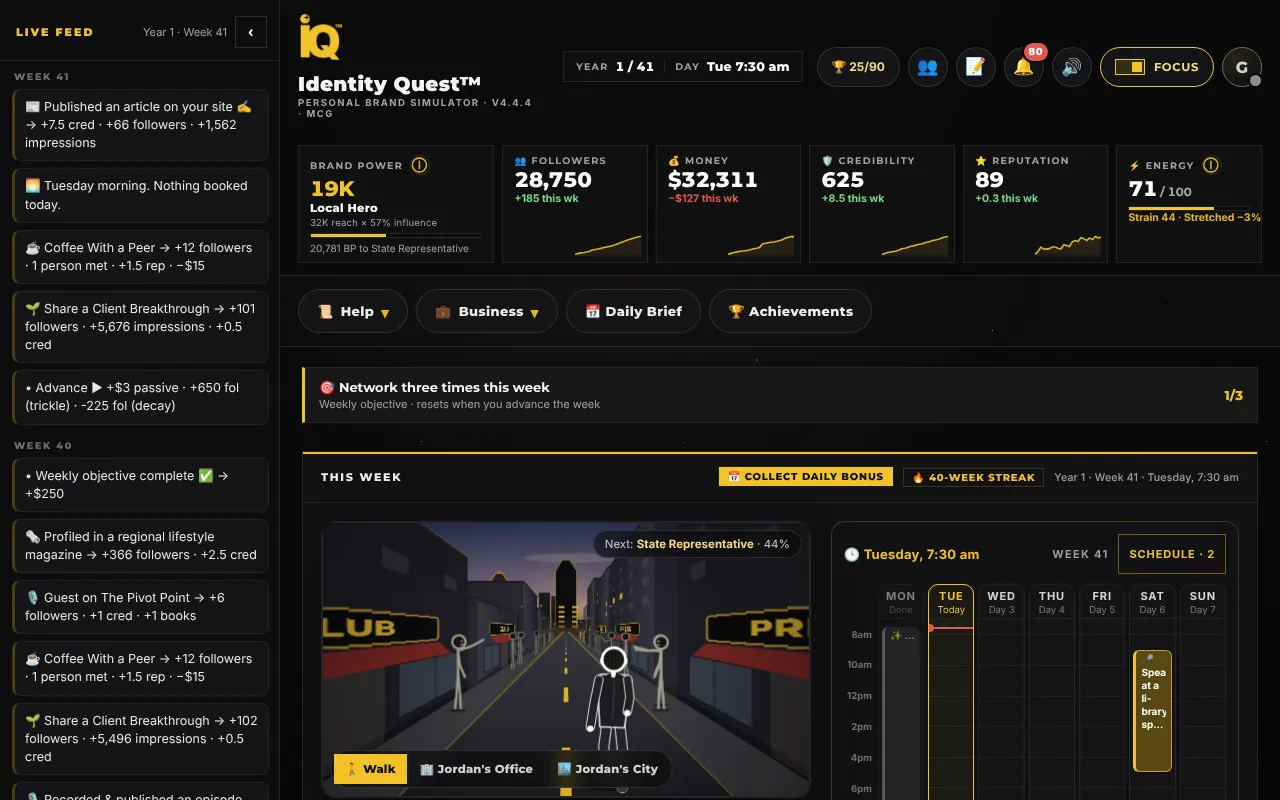
Snapshot
The six tiers, in Brand Power
- Unconscious Incompetent
- 0. Everyone starts here.
- Friends & Family
- 100
- Local Hero
- 3,000
- State Representative
- 40,000
- National Personality
- 200,000
- International Icon
- 600,000, plus a Brand Audit composite of 75 or more. Never reached on numbers alone.
Set Up Your Run
Open identityquest.press. You can play as a guest, saved on this device, or sign in to save across devices. Then the game asks who you are.
Quick task
Start a run in five choices
- Pick a Primary Motivator: Money, Mission, Vanity or Combo. Combo has no trade-offs.
- Pick an Archetype: Visionary, Connector, Strategist or Creator. Each is good at one thing.
- Pick a Business or Career Type. There are seven, and each has its own Business Moves and economy.
- Set your age, your name and what you want to be known for. Age moves forward about a year every 52 weeks.
- Choose a Target Tier and press Start.
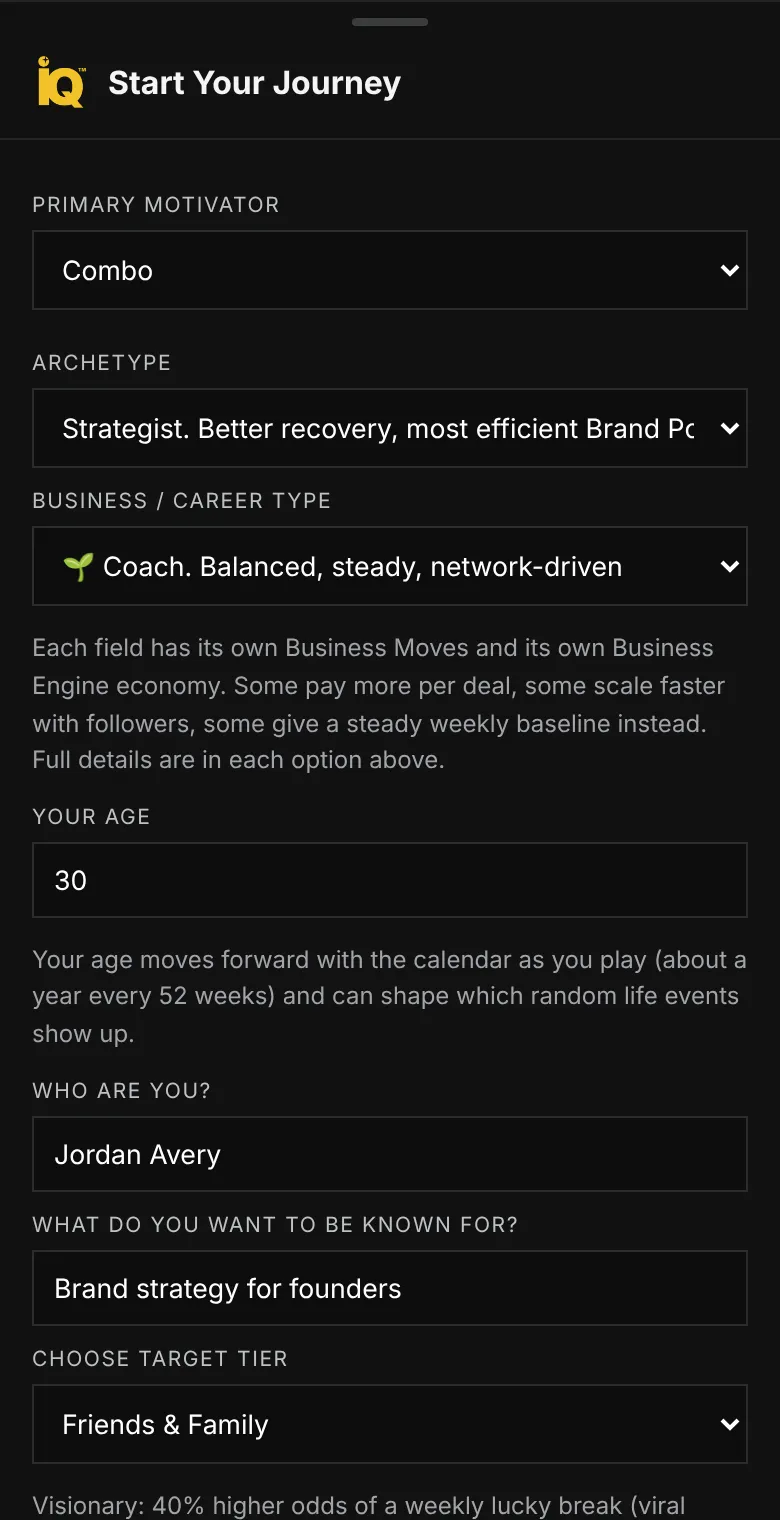
Not sure what to pick? Choosing Your Playstyle explains every option and its trade-off.
Your First Week
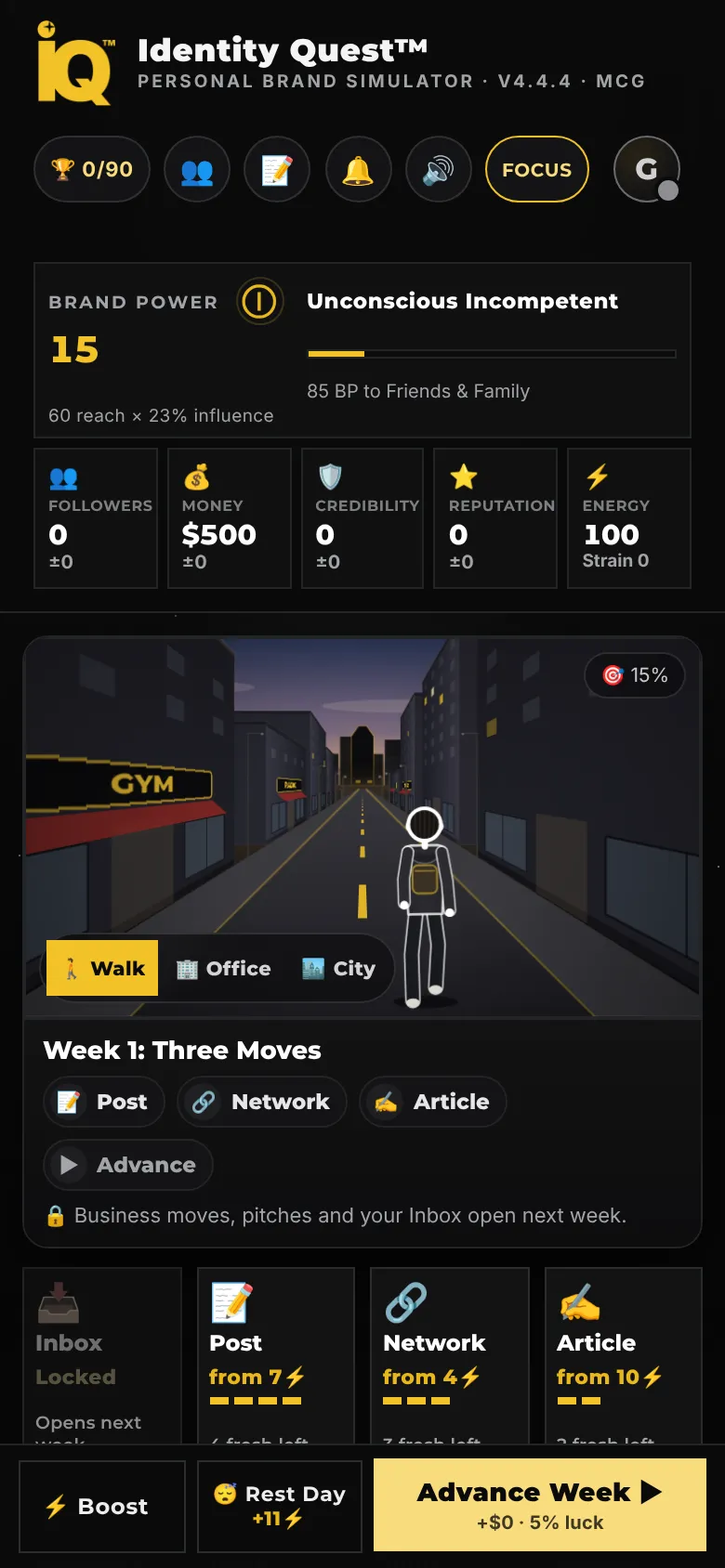
A new run opens in stages, so the board is never overwhelming. A coach strip under the world lists each week's three moves and checks them off, and short lessons arrive as notifications.
Snapshot
What opens when
- Week 1
- Post, Network and Article.
- Week 2
- Business Moves, Pitch and the Inbox.
- Week 3
- Focus, Events and More Actions.
- Week 4
- Everything else.
- You start with
- $500 and 100 energy.
Quick task
Play week one
- Tap Post and choose Your Work or Your Life, then a format. A text post costs 7 energy.
- Tap Network and pick one of the light online moves, such as Send a Message on Social Media for 4 energy.
- Tap Article and write a Quick Take or a How-To Guide.
- Watch each move play as a scene on the Walk, and read the Live Feed for what it returned.
- Press Advance Week. Read the week wrap, then start week two.
How a Week Works
Every week hands you an energy budget. Each move costs energy, sometimes money, and moves the clock forward. When you are done, Advance Week lives the days that are left, pays your passive income, applies decay, rolls the week's lucky break and opens the next week.
- Energy. The cap is 100. A new week refills you to the cap and carries over 15% of what you left unspent, up to 15 more.
- The clock. Work moves it about half an hour for every point of energy, from 7:30 am to 8 pm. A full day rolls into the next morning.
- Freshness. The first 4 posts, 3 networking moves, 2 articles, 2 projects and 2 episodes each week land at full value. Each one past that returns 25% less than the one before. The pips on each tile count down.
- Lucky breaks. One roll a week, at Advance Week. The odds start at 5% and rise 7.5 points for every different kind of work you did, up to 50%.
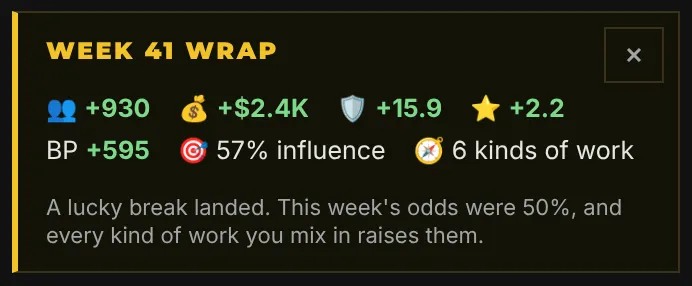
The full routine, from Rest Day to booked appearances, is in Your Daily and Weekly Tasks.
Reading the Board
The stats strip at the top never leaves the screen. Each tile shows this week's change and a trend line.
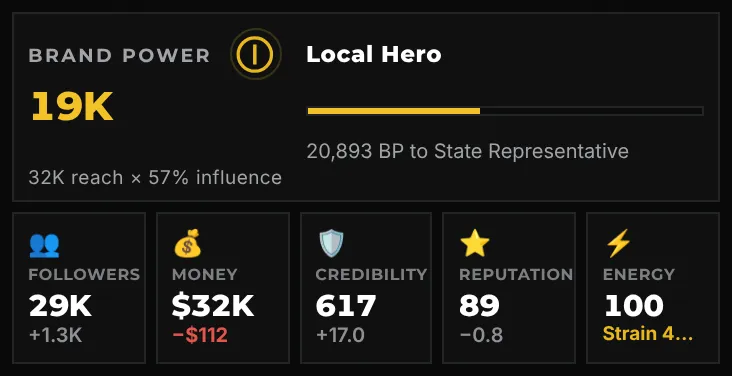
- Brand Power with your tier and how far it is to the next one.
- Followers, Money, Credibility, Reputation, each with this week's change.
- Energy and Strain. Strain is the cost of working without rest; it is covered in the daily chapter.
- The action tiles under the world show each move's cost, the full-value uses left this week, and why a tile is locked when it is. The number in a tile's corner is its keyboard key, and A advances the week.
Saving Your Progress
Guest progress saves on the device and browser you play on. A free account saves your run and your save slots to the cloud, so you can continue on another device. The newest progress always wins, and if two devices played different runs, both are kept, one in a free save slot.
Save Slots, under Help, hold separate runs side by side, with a Compare Runs table that highlights the stronger result in each row.